Live Interactive Demo
Experience AcadOffice School ERP Live
Explore Admin, Teacher, Student and Parent web dashboards with pre-loaded demo school data. Admin, Teacher and Parent password: password. Demo resets every night at 12:00 AM (Pakistan time).
-

4 Role Portals
-

16+ Modules
-

Parent App

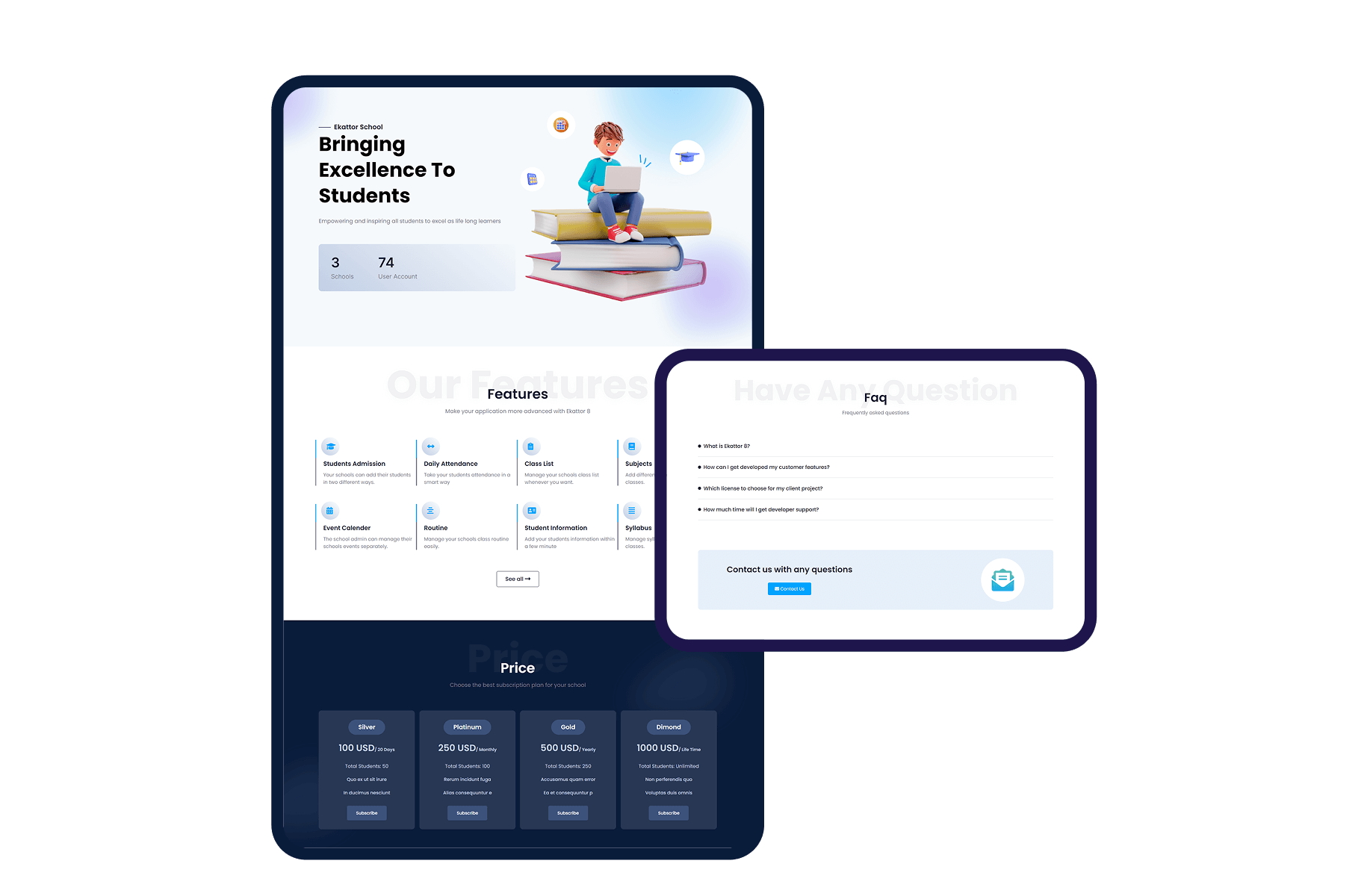
 Admin Portal
Email: admin@school.pk
Password: password
Admissions, fee plans, class routines, staff payroll, and settings.
Full Access
 Teacher Portal
Email: teacher@school.pk
Password: password
Period attendance, exam marks entry, homework and syllabus.
Faculty
 Parent Portal
Email: parent@school.pk
Password: password
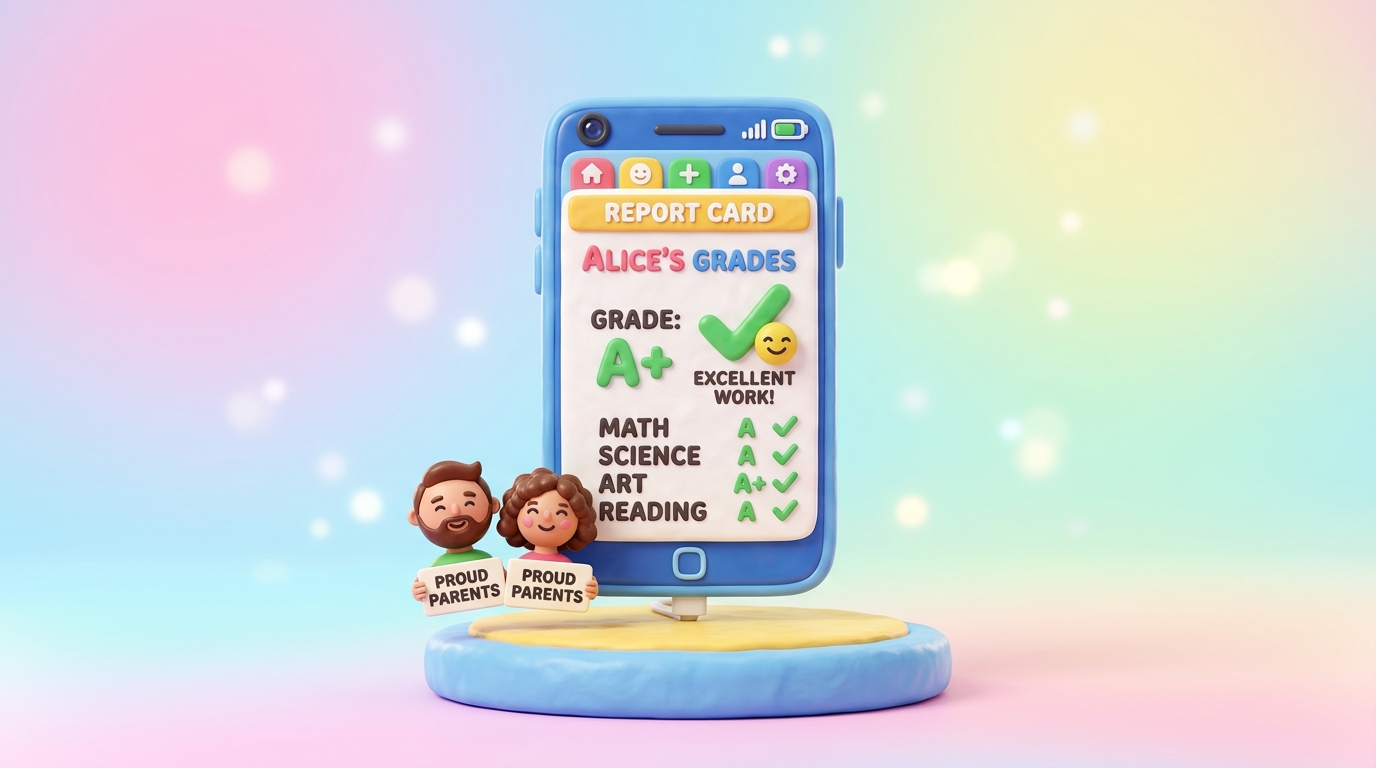
Child attendance, fee vouchers, report cards and notices.
Guardian
 Student Portal
Login: HIS-2026-001
Password: HIS@6110110000012
Or email student@school.pk / password
Class timetable, syllabus, homework, and exam results.
Student
Public sandbox — safe to explore
This is a shared demo with ~140 students, fees, exams and attendance already filled. You can add or edit records during the day. Every night at 12:00 AM Pakistan time the environment resets to a clean snapshot so tomorrow’s visitors get a fresh experience.
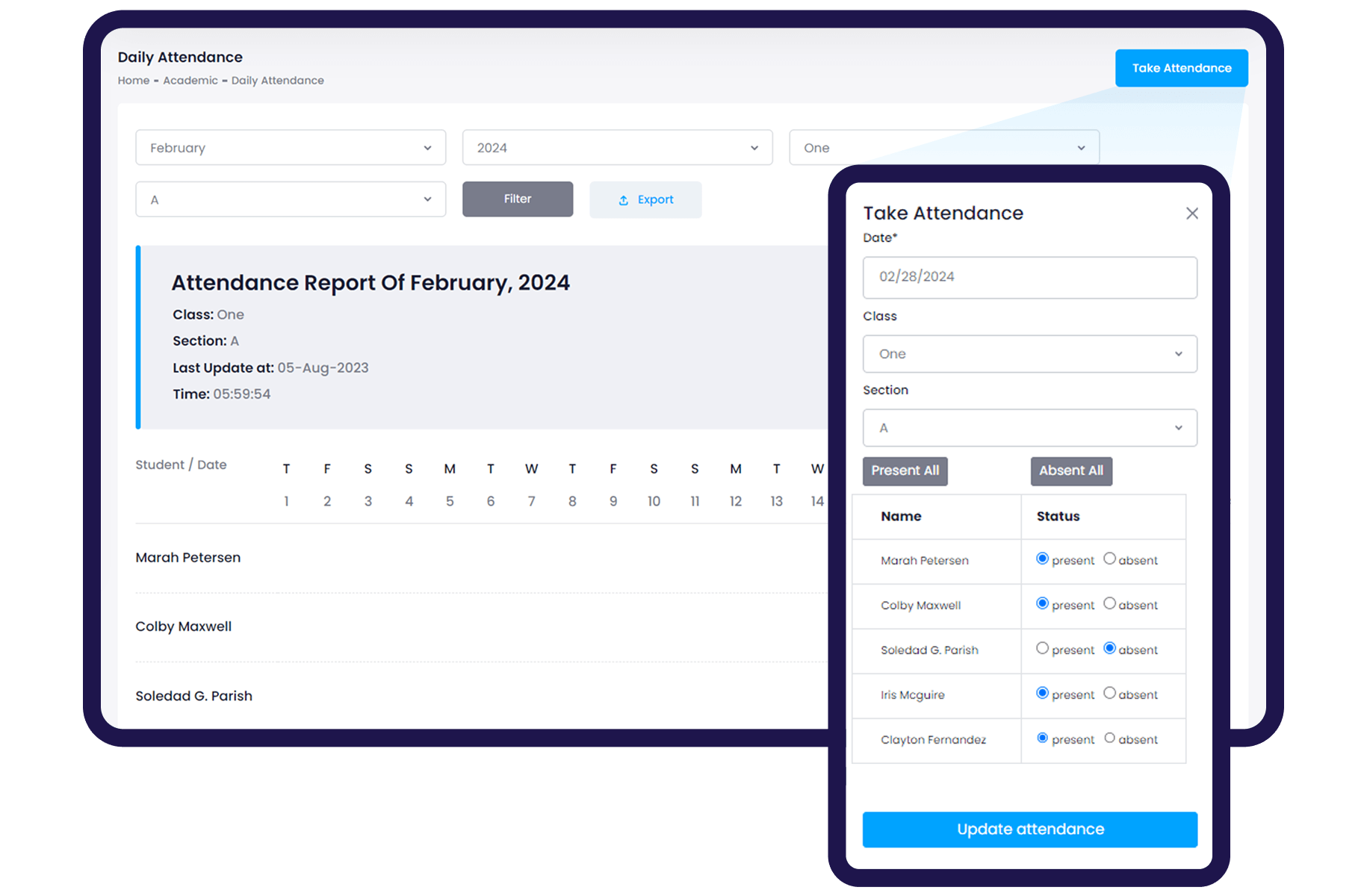
AcadOffice Parent Android App
Connected directly to the live school ERP database. Parents receive instant push updates for attendance, fee invoices, homework, and exam marks on their Android phones.
 Daily attendance calendar
- Digital fee vouchers
- Multi-child switcher
- Printable report cards
